.png?width=200&height=52&name=fedelta-pos-logo%20(1).png)
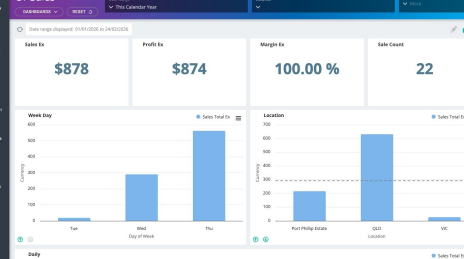
1. Navigate to your Fedelta Web Backoffice
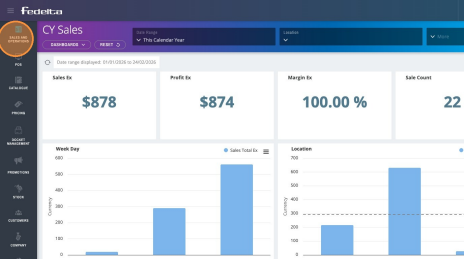
2. Click "Sales and Operations"
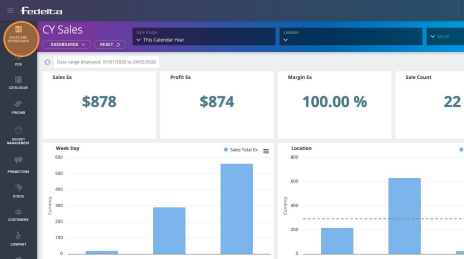
3. Click "Cash Management"
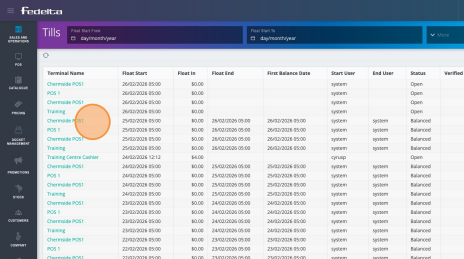
4. To view the balance a terminal, just click on the terminal you wish to balance to open the terminal.
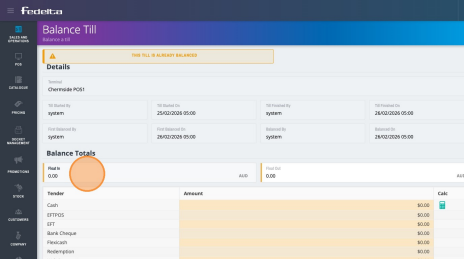
5. From this screen, you may adjust your float-in and float-out amounts, as well as cash, EFTPOS, and any other tender types required for reconciliation. This section also facilitates terminal rebalancing in the event that the initial balance on the POS terminal was incorrectly processed.
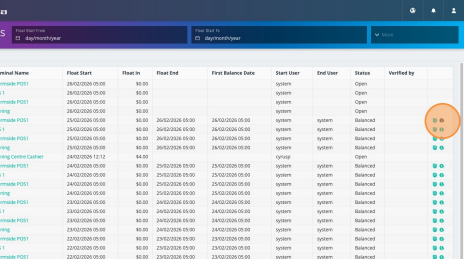
6. Upon successful reconciliation of your terminal, you may select the report icon located on the right side of the terminal details. This action will generate a formal balance report in PDF format.
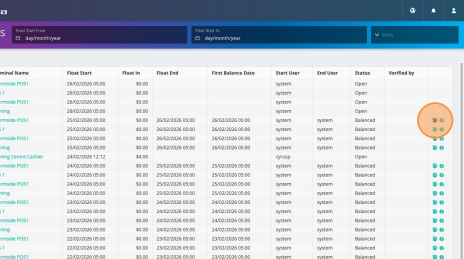
7. To enhance the accuracy of your financial records, you may designate an additional team member, such as a representative from the finance department, to verify the balance. Implementing this dual-verification procedure ensures a rigorous and reliable balancing process.