.png?width=200&height=52&name=fedelta-pos-logo%20(1).png)
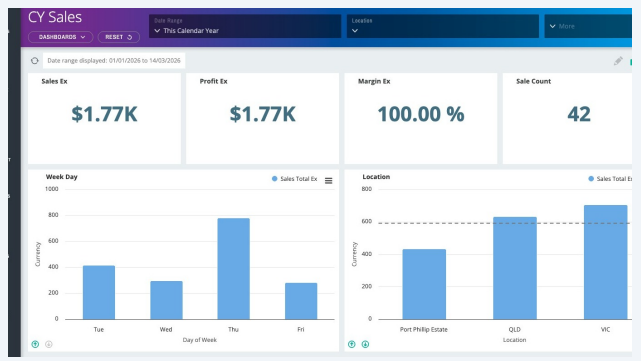
1 Navigate to your Fedelta Backoffice in your web browser.
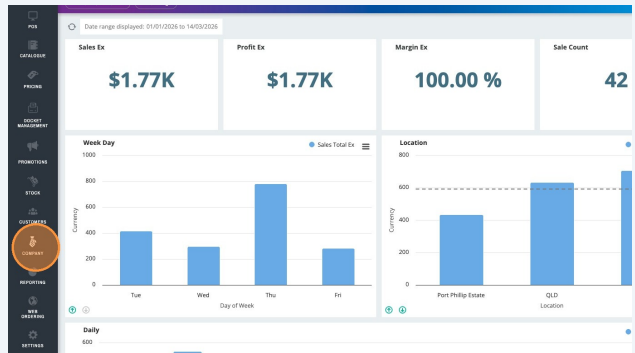
2 Click "Company"
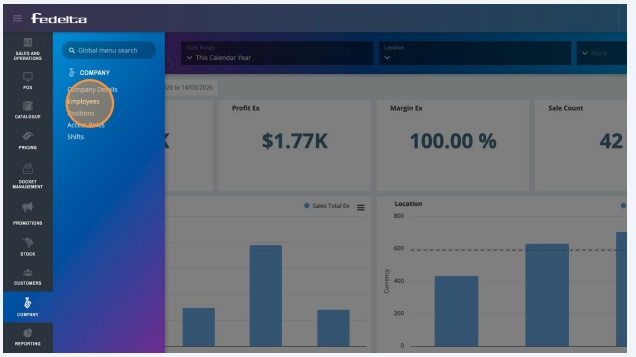
3 Click "Employees"
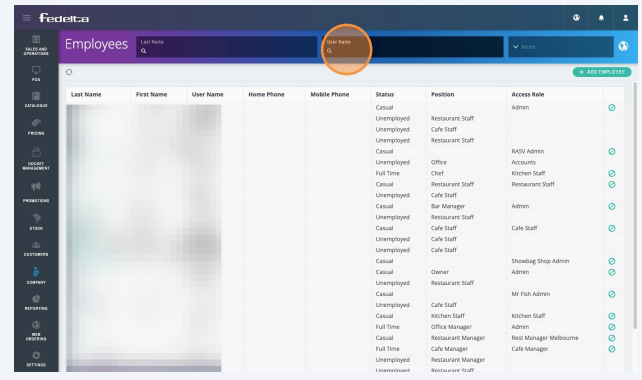
4 Click this text field and find your username
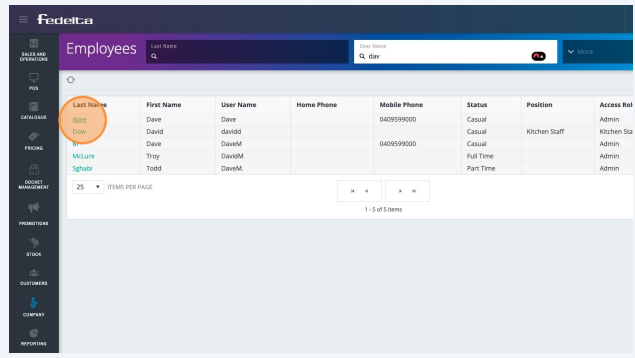
5 Click on the last name to enter into the user profile.
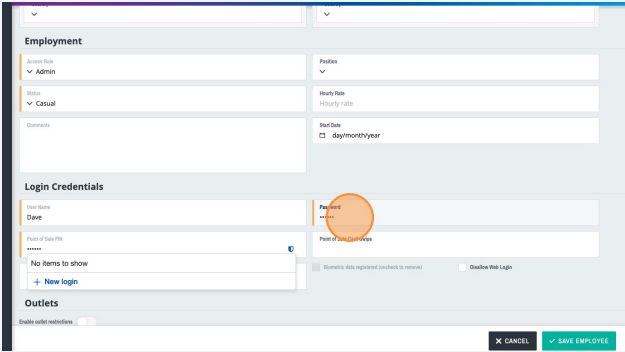
6 In order to change the username, password, or POS PIN:
1. Navigate down to Login Credentials.
2. Click on Password to change your password.
This changes the password for the web back office as well as the Windows version
of the back office. The front office PIN is the number that you enter to operate the
point of sale front of house.