1 Navigate to your Fedelta Backoffice
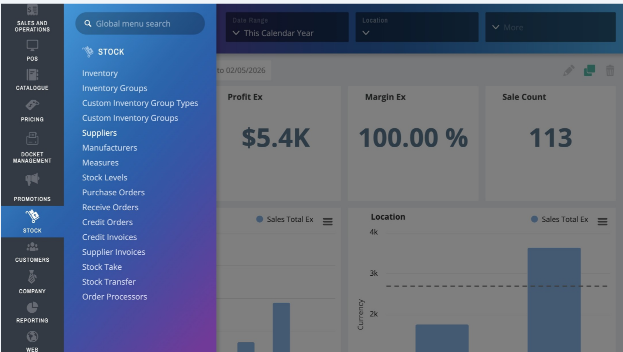
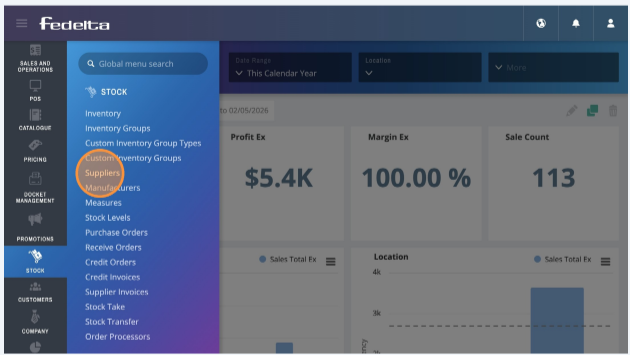
2 Click on Stock > Suppliers
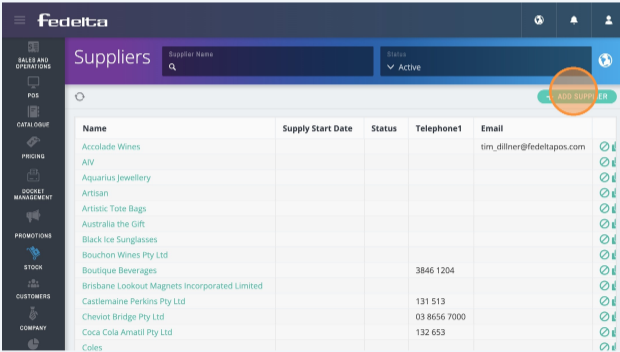
3 Click "Add Supplier" to add in a new supplier
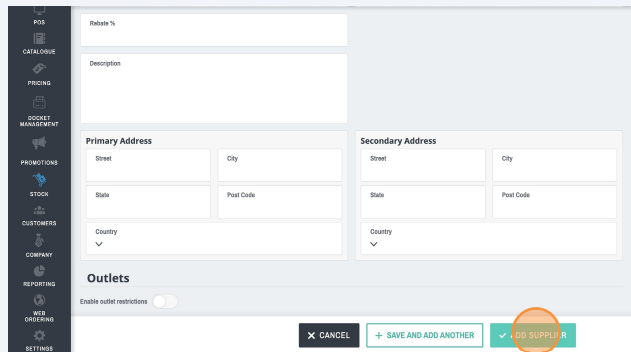
4. Add in as many or little details as you like as apart of your supplier database.
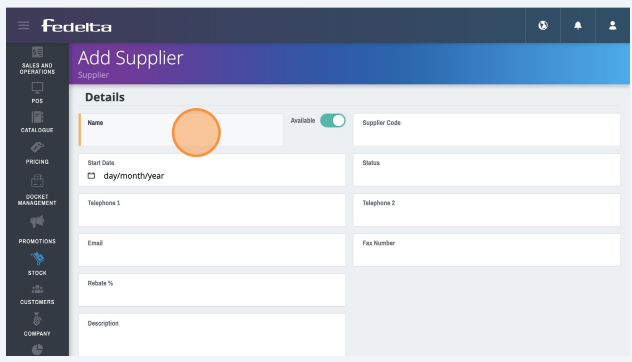
5 Click Add Supplier
.png?width=200&height=52&name=fedelta-pos-logo%20(1).png)
1 Navigate to your Fedelta Backoffice
2 Click on Stock > Suppliers
3 Click "Add Supplier" to add in a new supplier
4. Add in as many or little details as you like as apart of your supplier database.
5 Click Add Supplier