.png?width=200&height=52&name=fedelta-pos-logo%20(1).png)
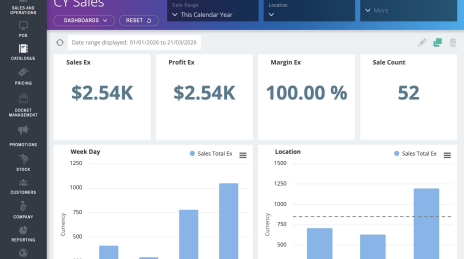
1 Navigate to your web backoffice.
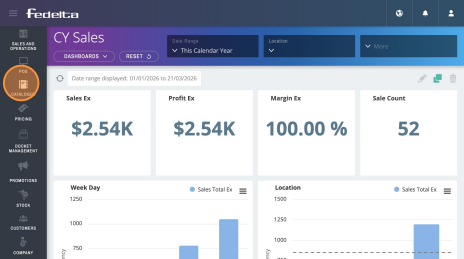
2 Click on catalogue menu.
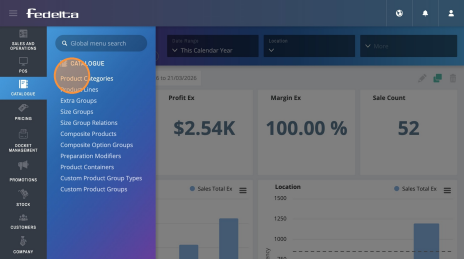
3 Click "Product Categories"
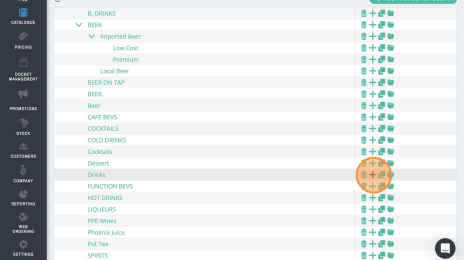
4 Choose the category you want to add the child category too.
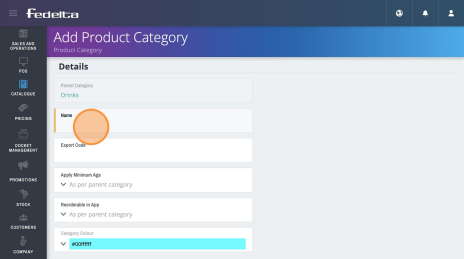
5Check you are happy with the parent category, and then name your child category.
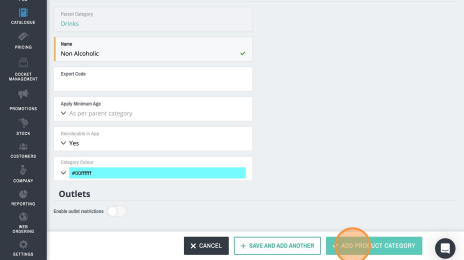
6 Click "Add Product Category"
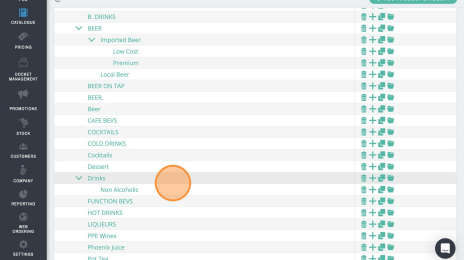
7You can now see the child category of Non-Alcoholic under the parent category of "Drinks"
8You can also change the name of an existing category, as well as move a child category under another parent category.
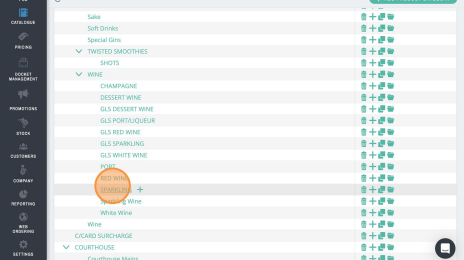
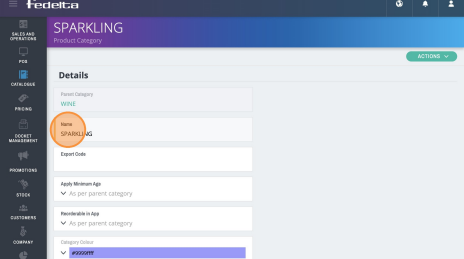
9Double-click this text field to change the name of an existing category, and save that category.
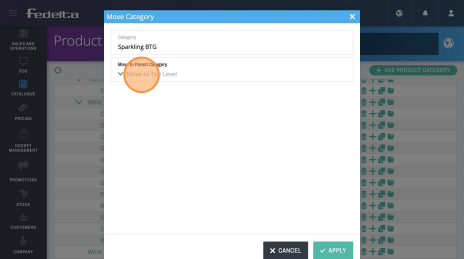
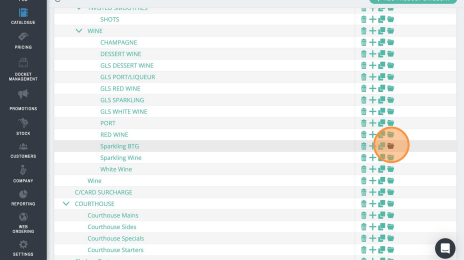
10 To move an existing category, click the folder "move" botton.
11 Click on the "Move to Parent Category" drop down menu to choose the new parent category for the child category.