.png?width=200&height=52&name=fedelta-pos-logo%20(1).png)
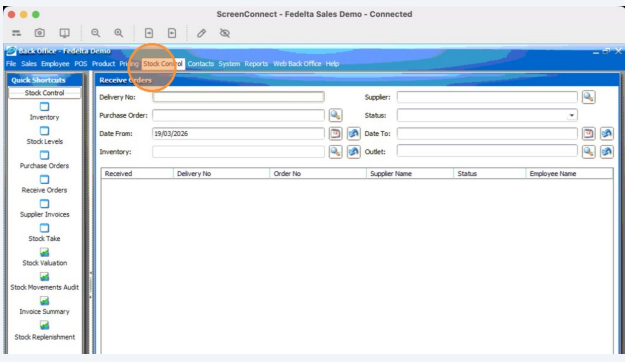
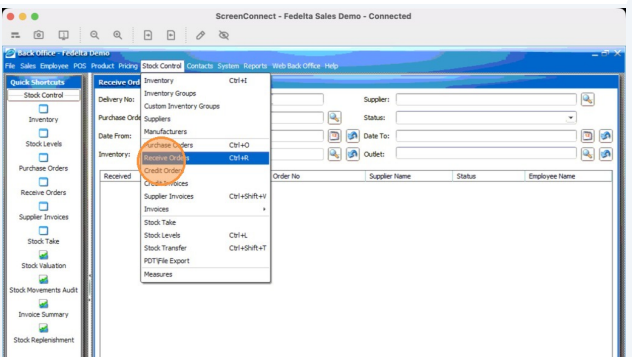
1 Navigate to Stock Control > Receive Orders
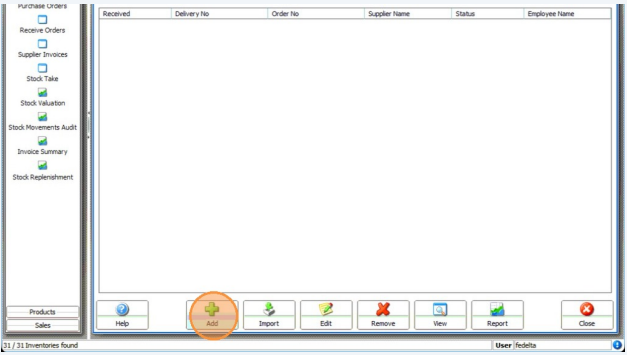
2. Click Add to create new receive order receipt
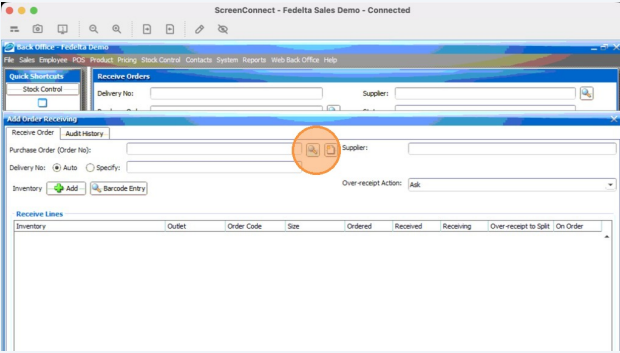
3 Click Purchase Order search icon to find a corresponding purchase order you wish
to receive against.
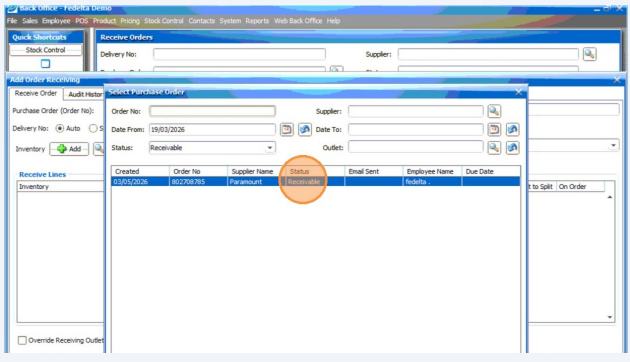
4 Double-click desired Purchase Order row to select it
Quantity Adjustment
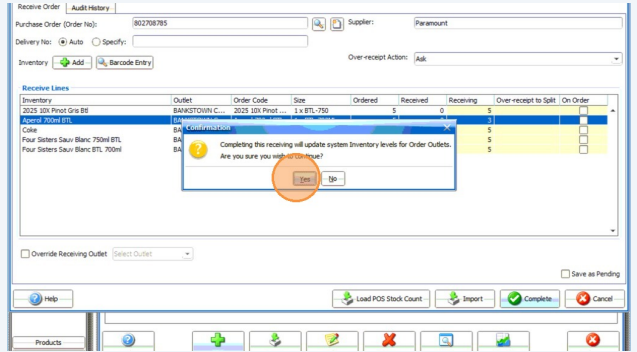
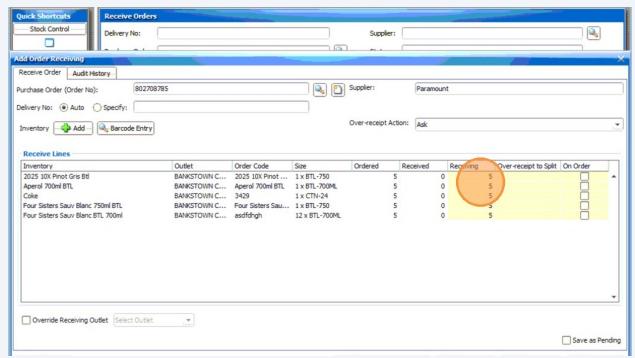
5 The receive order will automatically assume you are reciving the number of units
you purchased, however if this is not the case, just simply ammend the reciving
numbers to ensure its actuate with what you have received in your venue.
Finalization
6 Once you are happy that the receiving numbers correlate you what you have
received from the supplier and have in venue, then you can hit 'Complete' to
adjust the stock on hand values.
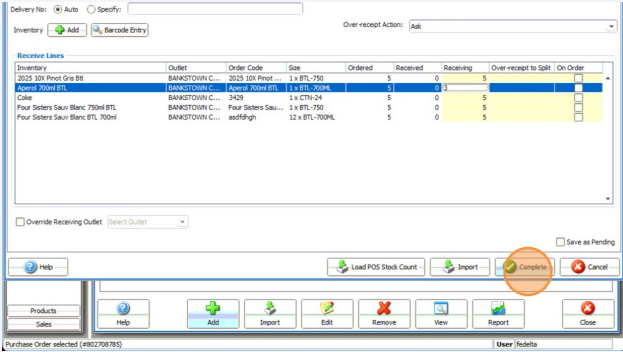
7 Click Yes to confirm and update system inventory