Skip to content
English - Australia
  • There are no suggestions because the search field is empty.

Adding Sales Periods in Fedelta

This guide provides a straightforward process for adding sales periods in Fedelta, making it essential for users looking to optimize their sales management. By following the clear steps outlined, users can efficiently set up specific sales periods, such as "Brunch," ensuring transparent reporting periods. This resource is particularly valuable for those new to the platform or seeking to enhance their operational efficiency.

1. Navigate to your Fedelta Web Back Office.
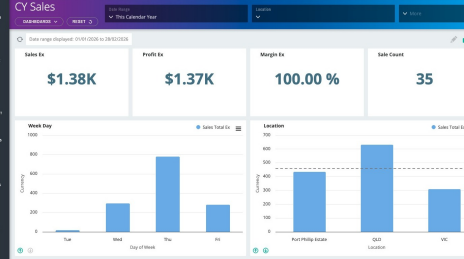
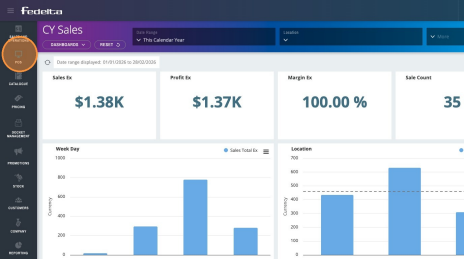
2. Navigate to the Pulse menu and down to Sales Periods. 
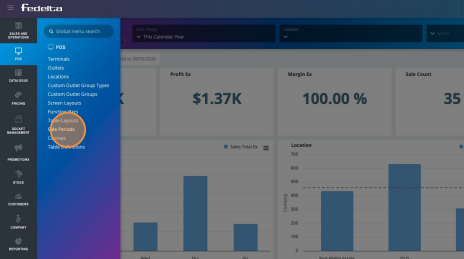
3. Click "Sale Periods"
4. Click "Add Sale Period" 
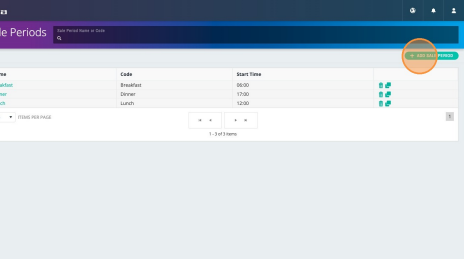
5. Add a name for your sales period (for example Breakfast, Lunch, Dinner)
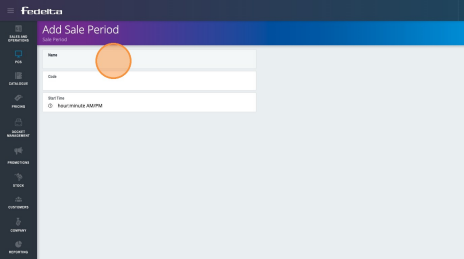
6. Add in the code (same as the name field), and also add in your starting time of that sales period 
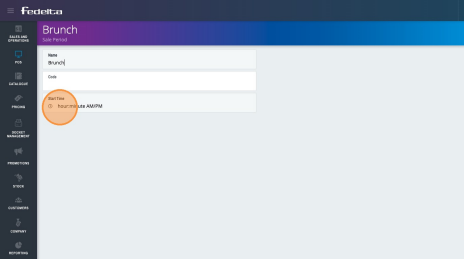
7. Click on "Add Sale Period" to save your new sale period in Fedelta