.png?width=200&height=52&name=fedelta-pos-logo%20(1).png)
1. Navigate to Fedelta web back office.
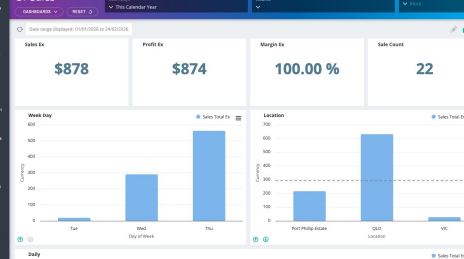
2. Click on the "POS" Menu

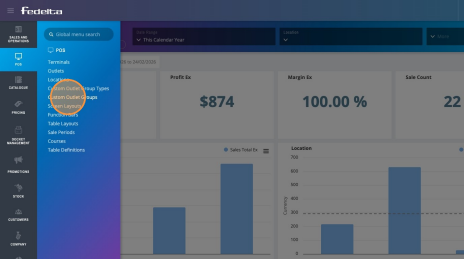
3. Click "Custom Outlet Groups"
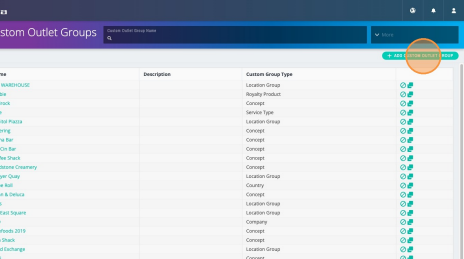
4. Click "Add Custom Outlet Group"
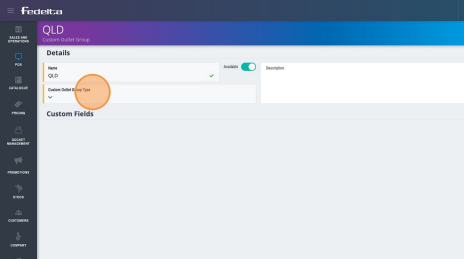
5. Add a name for your custom outlet group. For instance, it might be the state of Queensland.
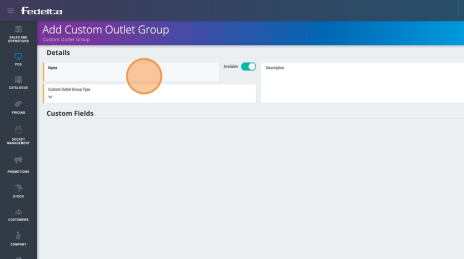
6. Click "Custom Outlet Group Type"
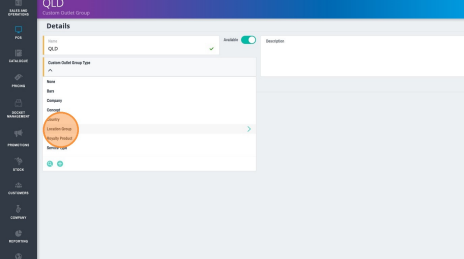
7. Click on the custom outlet group type that you created in Fedelta previously. Or you can add a new custom outlet group type by clicking the plus button at the bottom of the menu.
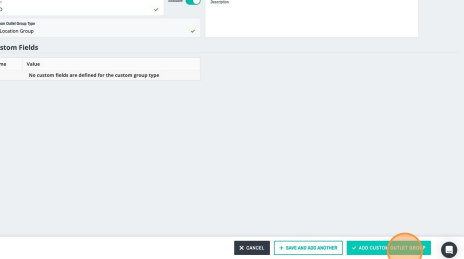
8. Click "Add Custom Outlet Group"
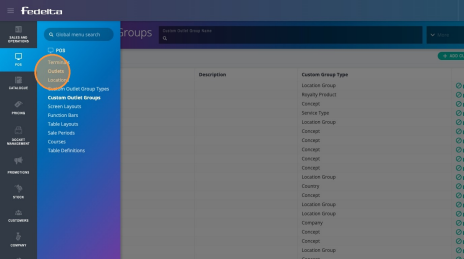
9. To assign two of our outlets into one custom outlet group, click on the POS menu.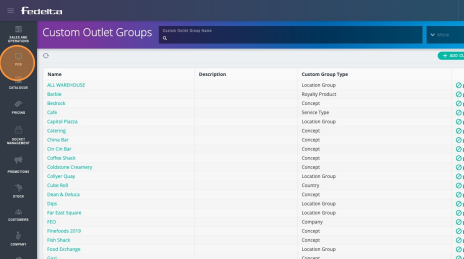
10. Click "Outlets"
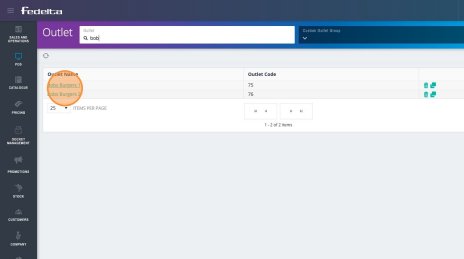
11. Search the name of your outlet.
In this example, we're going to add two outlets named Bob's Burgers (which are both located in Queensland) under one custom outlet group. This will allow you to report on that one custom outlet group on a state level, while still allowing the two outlets to report separately based on their locations.
12. Scroll down to the bottom of the page until you see Custom Outlet Groups. 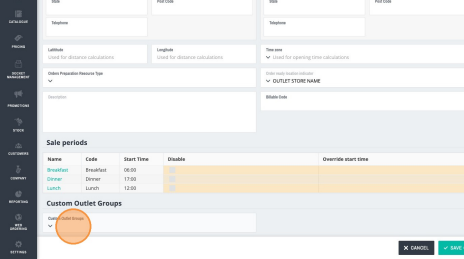
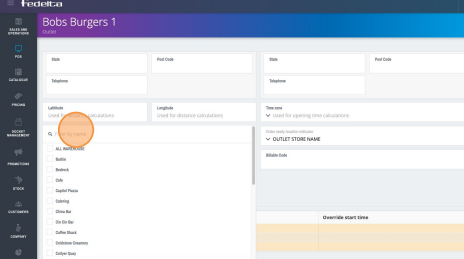
13. Select the Outlet Group that you wish to assign to this outlet. Once selected, save the outlet. That custom outlet group is then assigned to that outlet, and you can add any additional outlets to that group as well by following the same steps above.
-
Tip! When you go into any of your reporting options, you should be able to select a filter for custom outlet group and filter your sales information by that group, which will include any of the outlets that you've tagged.