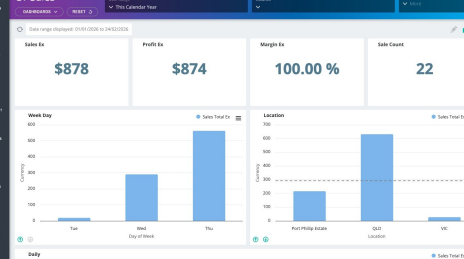
1. Navigate to your Fedelta web back office.
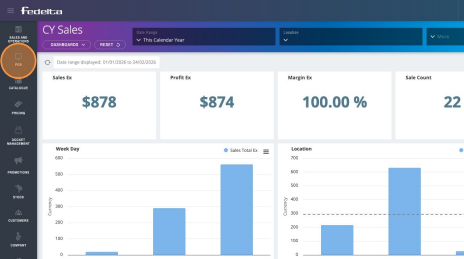
2. Click "POS"
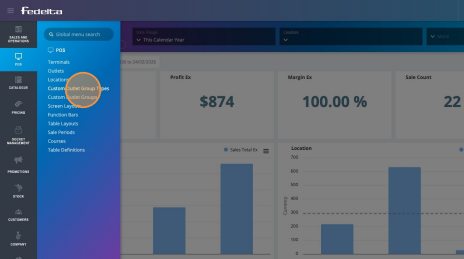
3. Click "Custom Outlet Group Types"
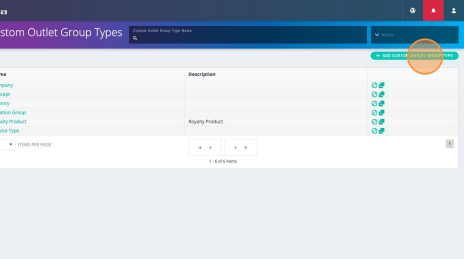
4. Click "Add Custom Outlet Group Type"
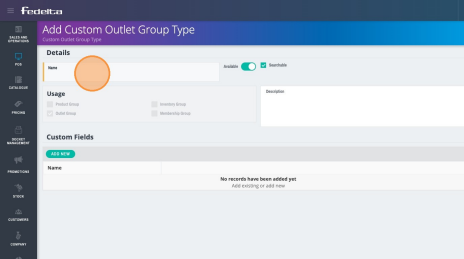
5. Add a name for your custom Outlet Group Type.
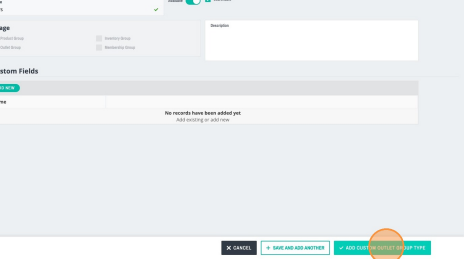
6. Click "Add Custom Outlet Group Type"
.png?width=200&height=52&name=fedelta-pos-logo%20(1).png)
1. Navigate to your Fedelta web back office.
2. Click "POS"
3. Click "Custom Outlet Group Types"
4. Click "Add Custom Outlet Group Type"
5. Add a name for your custom Outlet Group Type.
6. Click "Add Custom Outlet Group Type"